Fast capture
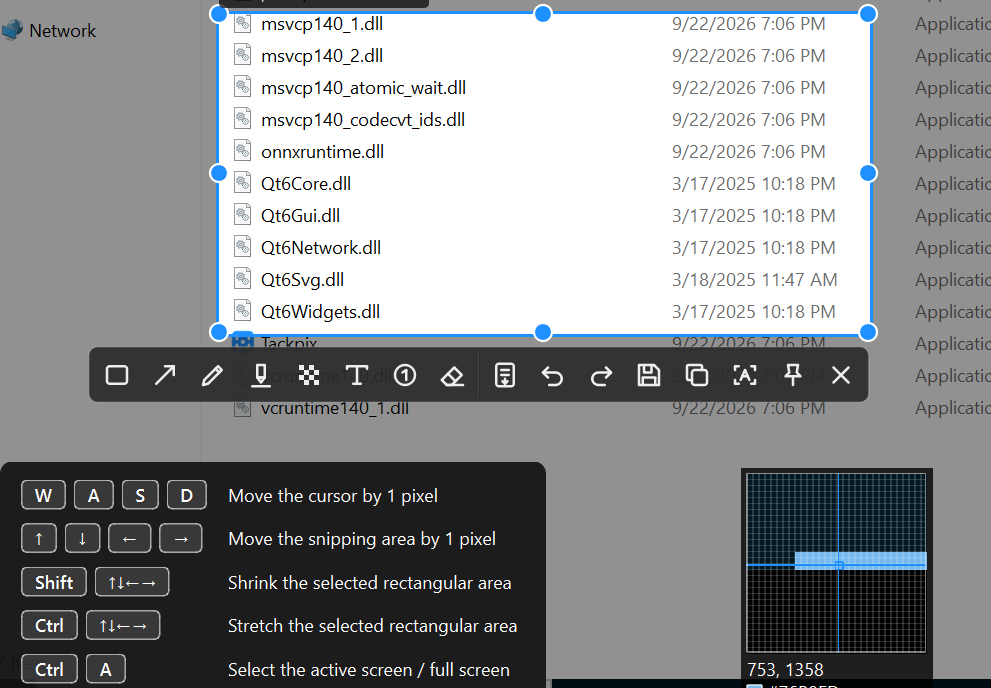
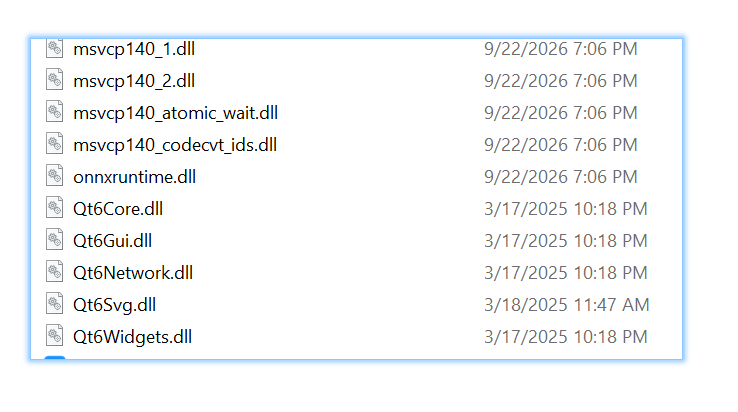
Capture regions and detect windows for fast, precise everyday screenshots.

Tackpix is a portable Windows screenshot tool with scrolling capture, desktop pins, history, and offline OCR.
No installer required. Extract the ZIP and run Tackpix.exe.
Capture regions and detect windows for fast, precise everyday screenshots.
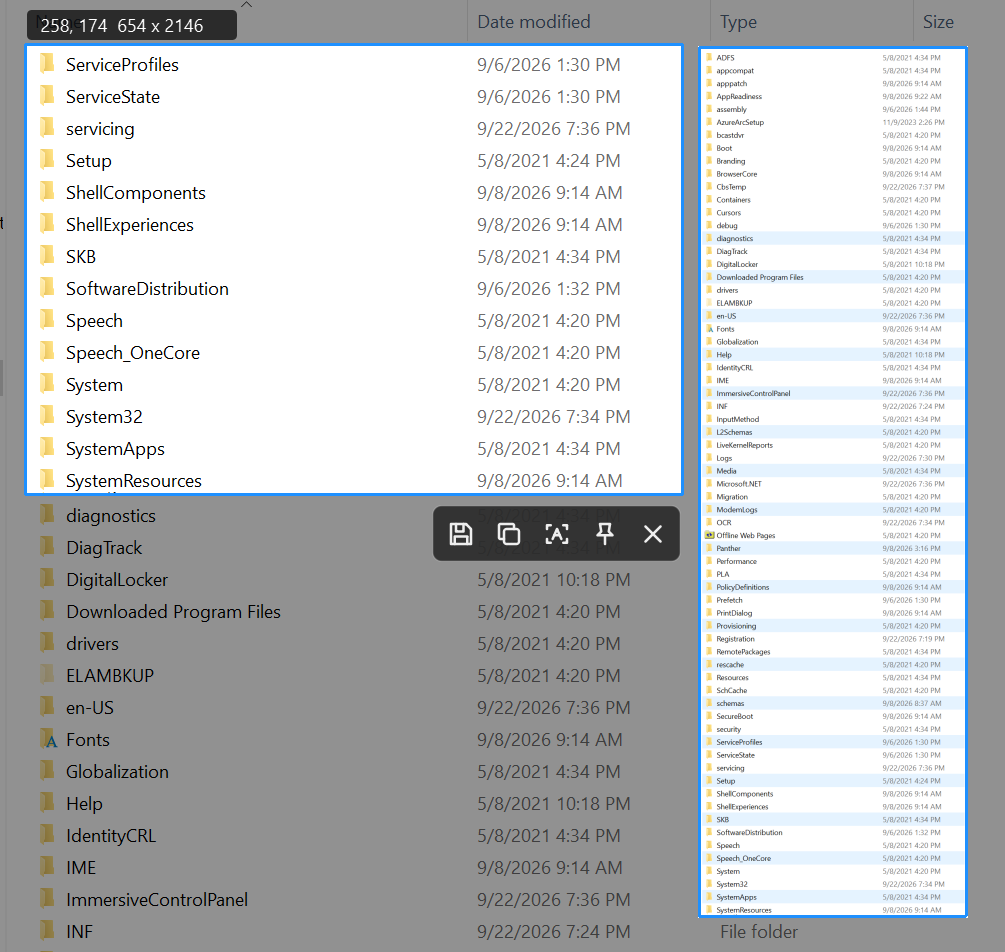
Stitch scrolling pages into one complete image for long webpages, documents, and lists.
Use shapes, arrows, pen, highlighter, mosaic, text, and numbered markers.
Pin images to the desktop, transform them, and reopen previous captures.
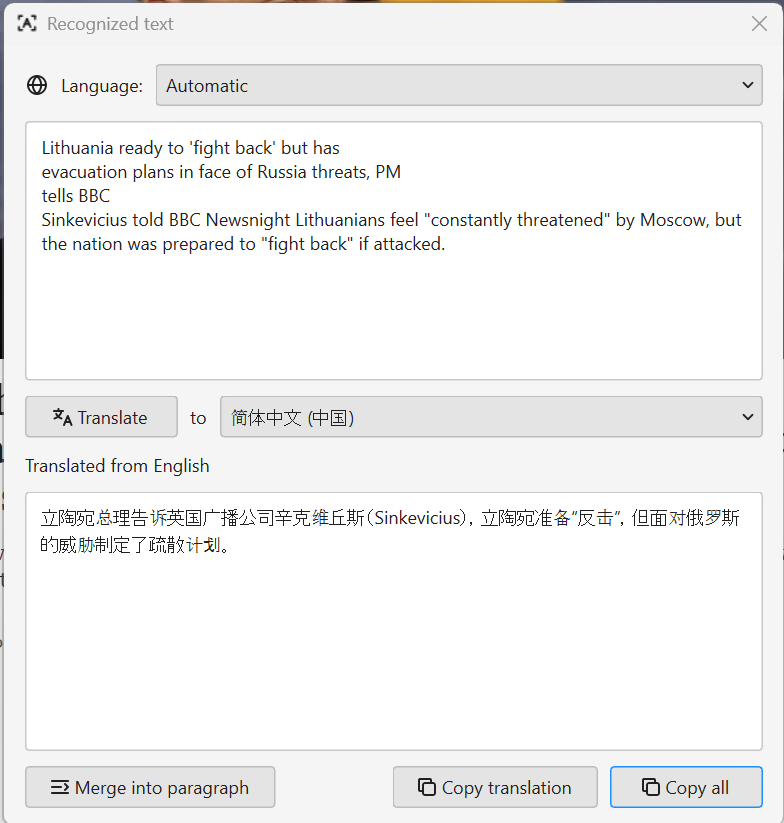
Built-in RapidOCR recognizes Chinese, English, Japanese, Korean, and Latin text locally.
Translate recognized text into a selected language, then copy the translation or all content.
Stitch scrolling pages into one complete image for long webpages, documents, and lists.
Translate recognized text into a selected language, then copy the translation or all content.
The ZIP contains the application and runtime files it needs.
No. Extract the complete ZIP and run Tackpix.exe.
The current release is Windows x64 only.
Built-in RapidOCR runs locally for recognition.